WELCOME TO OUR PARENT PORTAL
To get started, you’ll first need to create a parent/guardian account in the MyClubHub portal.
Once your account is created, you can add your child(ren) and complete the 2026–27 Annual Membership.
After your membership is active, you’ll be ready to register for Summer Program and Culture Camp when registration opens April 22.
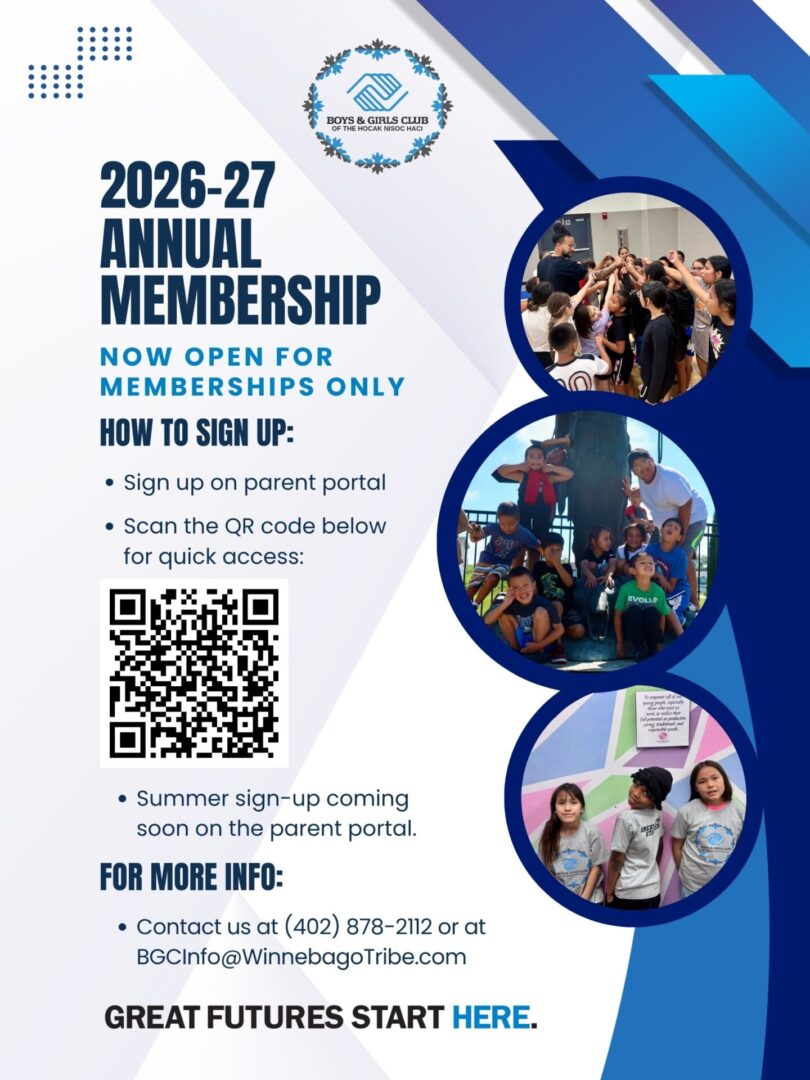
CLICK TO DOWNLOAD FLYER

Please note: Summer has limited capacity and fills quickly. We recommend completing your account setup and membership in advance so you’re ready when registration opens.
If you run into any issues, we’re here to help.
Browser Compatibility Notice
Safari on iPhones and iPads may not fully support our sign-up forms or MyClubHub Parent Portal, which can cause issues with loading or submitting information. For the best experience, please use Google Chrome or Microsoft Edge.
If you continue to experience difficulties, please contact us—we’re happy to assist. Contact us at (402) 922-2652 or by email. Thank you.
New to BGCHNH? Here’s What to Expect
MyClubHub is our family portal where you’ll complete everything needed to get started. It’s the fastest way to register your child for a BGCHNH membership and stay connected all year long. In MyClubHub, you can:
- Create your parent/guardian account
- Register your child (or children) for membership
- Choose your age-appropriate membership
- Complete required forms and permissions
You can learn more about our member portal at our MyClubHub information page.
Ready to get started?
To begin, select “Create Account” to begin the process. If you’ve already started registration before, simply log in to pick up where you left off.